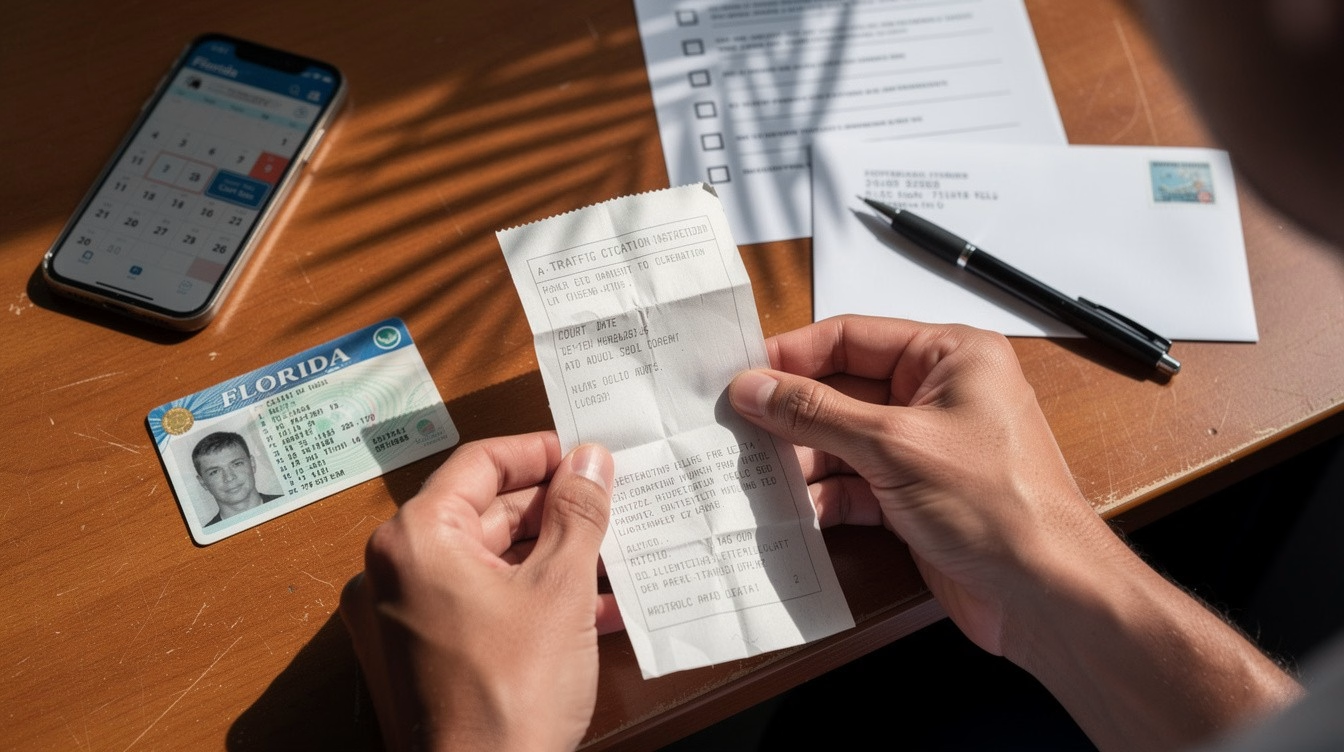
If you got a ticket and need to finish a course fast, one question matters right away: can you take traffic school on phone? In many cases, yes. A lot of traffic school providers now offer mobile-friendly courses that let you log in, read lessons, and complete quizzes from your smartphone. But the real answer depends on your state, your court, and the specific course you were told to complete.
That distinction matters because not every online course is approved everywhere, and not every mobile experience works the same way. A course may be available on a phone but still create problems if it is not accepted for your requirement, if the final exam is harder to complete on a small screen, or if your connection drops at the wrong time. The most reliable approach is to confirm approval first, then make sure the course is truly designed for mobile use.
Can You Take Traffic School on Phone for Your Requirement?
Usually, yes, if your state or court allows online traffic school and the provider supports mobile access. Our online courses are fully compatible with mobile devices. “Traffic school” is a broad term. It can mean a basic driver improvement course, a court-ordered defensive driving class, a ticket dismissal course, or a driver safety program tied to insurance or licensing.
That is why approval comes before convenience. If a judge, clerk, DMV, or state agency told you to complete traffic school, check the exact requirement. Some jurisdictions approve specific providers. Others approve course types but still have rules about timing, identity verification, or final testing.
If you are taking the course voluntarily for insurance or personal improvement, the rules may be looser. Even then, it helps to confirm whether your insurer accepts the course and whether they need a certificate from an approved provider.
What Taking Traffic School on a Phone Actually Looks Like
A good mobile traffic school course should let you do the same core tasks you would do on a laptop. You should be able to register, log in securely, move through lessons, save your progress, and complete any required quizzes or knowledge checks. Self-paced access is especially useful because most people are fitting this around work, childcare, commuting, or court deadlines.
Phone access is convenient, but convenience is not the same as usability. Reading long sections on a small screen can feel slower. Forms can be easier to mistype on mobile. If the course includes videos, pop-up notices, or timed pages, older phones or weak data connections can make the process frustrating.
For that reason, some drivers start on a phone and finish on a tablet or computer. That is perfectly reasonable if the provider saves your progress across devices. The point is flexibility, not forcing every minute of the course onto one screen.
When Mobile Traffic School Makes Sense
Taking traffic school on your phone makes the most sense when the course is straightforward, fully online, and broken into short sections. If you have limited free time, mobile access can help you complete lessons during breaks, evenings, or while waiting for appointments.
It is also helpful if you do not have regular access to a desktop or laptop. For many people, a smartphone is the main internet device they use every day. A provider that treats mobile compatibility as standard, not an afterthought, removes a major barrier to getting the course done on time.
Still, there are trade-offs. If you are not comfortable reading long educational material on your phone, or if you need to upload documents, print records, or track court deadlines closely, a larger screen may feel easier and less stressful.
What to Check Before You Enroll
Before signing up, confirm that the course is approved for your exact need. Approval means the course is recognized by the relevant court, state agency, or insurance purpose. A mobile-friendly site is helpful, but it does not solve a compliance problem.
Next, check whether the provider specifically says the course works on smartphones. Some sites technically open on mobile but are difficult to use. Look for clear statements about 24/7 access, self-paced progress, and compatibility across devices.
You should also check how completion is handled. Some courses report completion electronically. Others issue a certificate for you to submit. Knowing that process in advance can prevent missed deadlines, especially if your court date or compliance window is close.
Finally, review basic practical details like pricing, refund policies, and customer support. If anything goes wrong on a phone, responsive support matters.
Common Issues Drivers Run Into on Mobile
The biggest mobile problem is assuming that “online” automatically means “easy on a phone.” It does not. Some websites are built for desktops first, which can make buttons hard to tap, text hard to read, and quizzes harder to navigate.
Identity verification can also be stricter than drivers expect. Depending on the course, you may need to answer personal validation questions, keep your account information consistent, or complete a monitored step. Doing that on a phone is possible, but it is better when the system is designed for it.
Another issue is interruptions. Phone calls, low battery alerts, browser refreshes, and unstable Wi-Fi can break your flow. Most well-built courses save progress automatically, but you should not assume that without checking.
Is a Phone Enough to Finish the Whole Course?
Sometimes yes, sometimes no. It depends on the provider and the course format.
If the course is fully mobile-optimized, many drivers can complete the entire requirement on a smartphone from start to finish. That includes registration, lessons, quizzes, and certificate access. This is especially common with self-paced driver improvement and traffic safety courses designed for convenience.
If the provider recommends a computer for the final exam, certificate printing, or document upload, follow that advice. Trying to force the entire process through a phone can create delays right when you need a clean completion record.
A practical middle ground works well for a lot of people: use your phone for most lessons, then switch to a laptop or desktop for any final administrative step if needed.
How to Make Traffic School on Your Phone Easier
Start by using a reliable browser and a strong internet connection. Public Wi-Fi can work, but home Wi-Fi or a stable data connection is usually better if you are taking quizzes or entering personal information.
Keep your phone charged and update your browser before you begin. Small technical issues feel bigger when you are up against a deadline. It also helps to turn off distractions so you are not bouncing between the course and text messages every two minutes.
Most importantly, save any confirmation emails and know your deadline. Convenience only helps if you still complete the requirement correctly and on time.
FAQ
Can you take traffic school on phone in every state?
No. State rules vary.
Some states and courts allow mobile online traffic school, while others have specific approval rules or provider lists.
Does online traffic school mean phone-friendly traffic school?
No. Online does not always mean mobile-optimized.
A course may open on your phone but still be hard to use if it was not designed for smaller screens.
The courses provided by DriverEducators are all fully compatible with mobile devices, also referred as mobile-friendly format.
Will a court accept traffic school completed on a phone?
Yes, if the course itself is approved.
Courts usually care about provider approval and completion, not whether you used a phone or a computer.
Can I switch between my phone and computer during the course?
Usually yes.
Many self-paced courses save your progress, which lets you continue on another device later.
Is the final exam harder on a phone?
It can be.
Small screens make long reading sections and answer review less comfortable for some drivers.
What is the most important thing to verify first?
Approval.
Before you enroll, make sure the course is accepted for your exact ticket, court order, DMV requirement, or insurance purpose.
If you need a state-approved or court-accepted course and want the flexibility to study from your phone, look for a provider that makes mobile access clear from the start. DriverEducators.com is built around that kind of convenience, but the smart move is always the same: verify the requirement, choose an approved course, and use the device that helps you finish without mistakes.