A phone mounted on the dashboard can feel like a responsible choice. It may be legal where you drive, and it is usually safer than holding the phone in your hand. But wireless device versus distracted driving is not a simple legal comparison: a device can be used legally while still taking attention away from traffic.
For drivers completing a court, DMV, insurance, or licensing requirement, that distinction matters. Traffic laws often focus on visible behavior, such as holding, typing on, or manually entering information into a wireless communications device. Safe driving requires a broader standard: keeping your eyes, hands, and mind focused on the road.
Wireless Device Versus Distracted Driving: The Key Difference
A wireless device is the tool. It can include a smartphone, smartwatch, tablet, wireless headset, or another device that sends or receives communications without a physical connection. State laws may use more specific definitions, so the wording in a citation or course requirement can matter.
Distracted driving is the behavior and its effect on driving. The National Highway Traffic Safety Administration commonly groups distraction into three forms: visual, manual, and cognitive. Looking at a notification is visual distraction. Reaching for a phone is manual distraction. Thinking through a difficult call or following complicated directions is cognitive distraction.
One action can involve all three at once. Reading a text message takes your eyes from the roadway, uses at least one hand, and pulls your thoughts into the message. That is why texting is treated so seriously under traffic laws and safety programs.
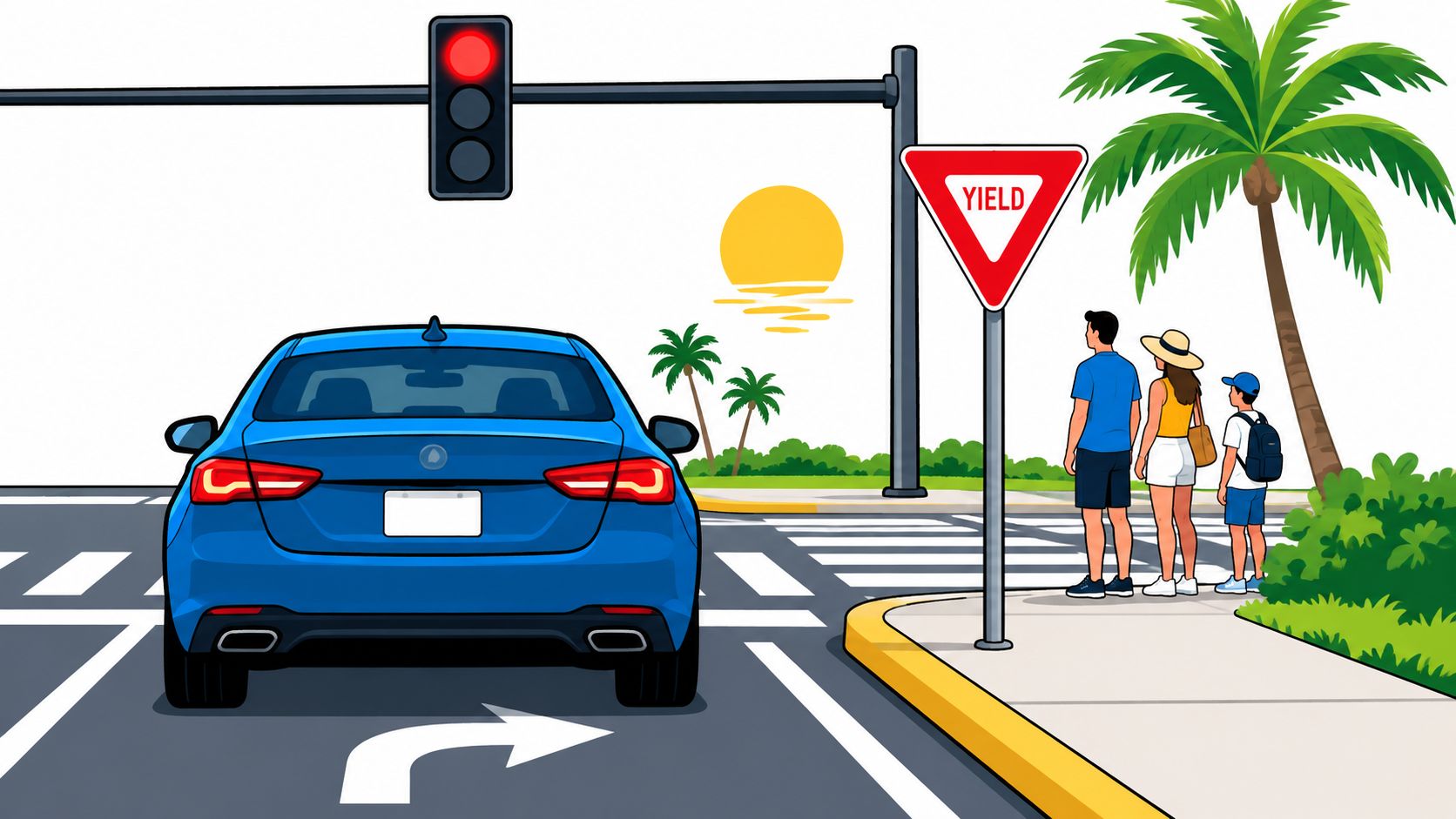
The important point is that hands-free does not always mean distraction-free. A Bluetooth call may keep both hands available, but an emotional conversation can still delay a driver’s reaction to a braking vehicle, a changing light, or a pedestrian entering a crosswalk.
Why the Legal Rule May Be Narrower Than the Safety Rule
Most wireless-device laws are designed to make enforcement practical. An officer can often observe a driver holding a phone, typing, scrolling, or watching a video. It is much harder to observe a driver who is mentally absorbed in a hands-free conversation.
As a result, a state may allow certain hands-free uses while prohibiting handheld use. Other states or local jurisdictions may impose additional restrictions, especially in school zones, work zones, or for novice drivers. Commercial drivers can also face stricter rules.
A legal exception is not a guarantee that an activity is safe in every situation. Voice navigation can be useful when it provides simple, occasional directions. Repeatedly correcting a destination, searching for nearby businesses, or responding to incoming prompts while moving creates a different level of risk.
When a court orders a wireless communications device course, the goal is generally bigger than avoiding one prohibited act. The course may help drivers recognize the choices that create risk before a stop, crash, or citation occurs.
The Real Cost of Looking Away
At 55 mph, a vehicle travels more than 80 feet in about one second. A glance that feels brief can cover the length of several vehicles before the driver looks back up. During that distance, traffic may slow, a lane may narrow, or a person may step into the road.
The risk is not limited to high-speed highways. Low-speed driving involves frequent conflict points: parking lots, driveways, intersections, cyclists, school crossings, and pedestrians. A driver checking a device while creeping through a parking area may have less time than expected to recognize someone walking behind a vehicle.
Distraction also changes the quality of attention. Drivers may look at the road without fully processing what they see. This is sometimes called inattentional blindness: the eyes are pointed forward, but the brain misses a relevant hazard because attention is elsewhere.
That is why a driver cannot reliably make a device task safe by promising to do it “just for a second.” The safer decision is made before the vehicle begins moving.
Set Up Your Drive Before You Shift Into Gear
A practical device plan does not require leaving your phone at home. It requires deciding which functions are necessary and handling the rest before driving.
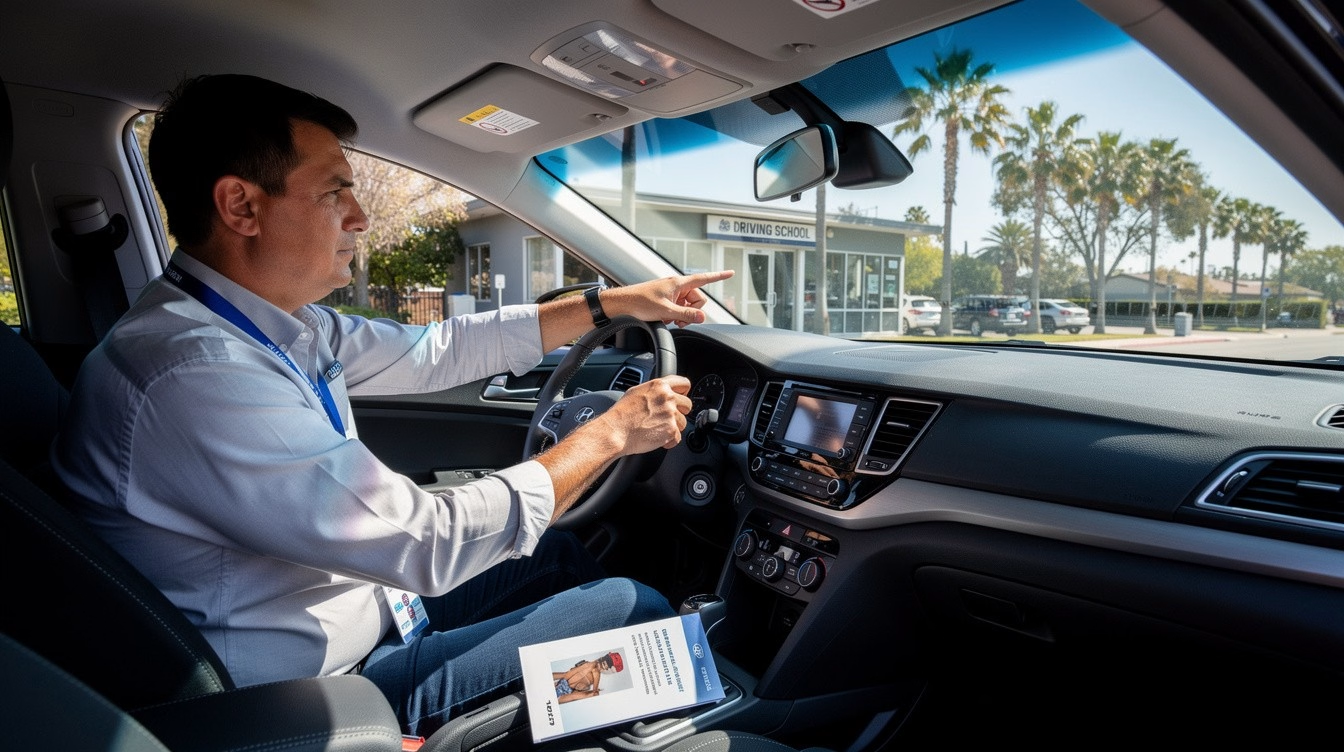
Start with navigation. Enter the destination, review the first few turns, choose audio guidance if needed, and place the device where it does not block the windshield or mirrors. If the route changes or the instructions become confusing, pull over somewhere safe before making adjustments.
Next, reduce interruptions. Activate a driving focus setting, silence nonessential notifications, and let people know you may not respond right away. If you expect an urgent call, use a brief hands-free exchange only when traffic conditions are simple, or stop before continuing a complicated conversation.
Passengers can help, but the driver remains responsible. A passenger can manage music, answer a message, or check a route. The driver should not turn away from the driving task to supervise a device screen.
These habits are especially useful for new drivers. Experience can improve vehicle control, but it does not make the human brain better at safely handling competing tasks. A teen driver, an experienced commuter, and a professional driver all benefit from reducing unnecessary device demands.
When Hands-Free Use Becomes a Problem
Hands-free features are most defensible when they are brief, simple, and do not require the driver to make choices under pressure. Listening to a single navigation instruction is different from participating in a stressful work call or dictating a detailed message.
Consider the driving environment. Heavy rain, unfamiliar roads, construction zones, dense traffic, nighttime driving, and areas with pedestrians demand more attention. In these conditions, even a legal hands-free call may be a poor choice.
Consider your own state as well. Fatigue, frustration, time pressure, and emotional stress already reduce attention. Adding a conversation or device alert can push a driver from mildly distracted to dangerously overloaded.
A useful personal rule is simple: if the device task cannot wait until the next safe stop, it probably deserves a second thought. Emergencies are different. Call 911 when necessary, but if you can safely pull over first, doing so helps you give clearer information and protects everyone nearby.
Compliance After a Citation or Requirement
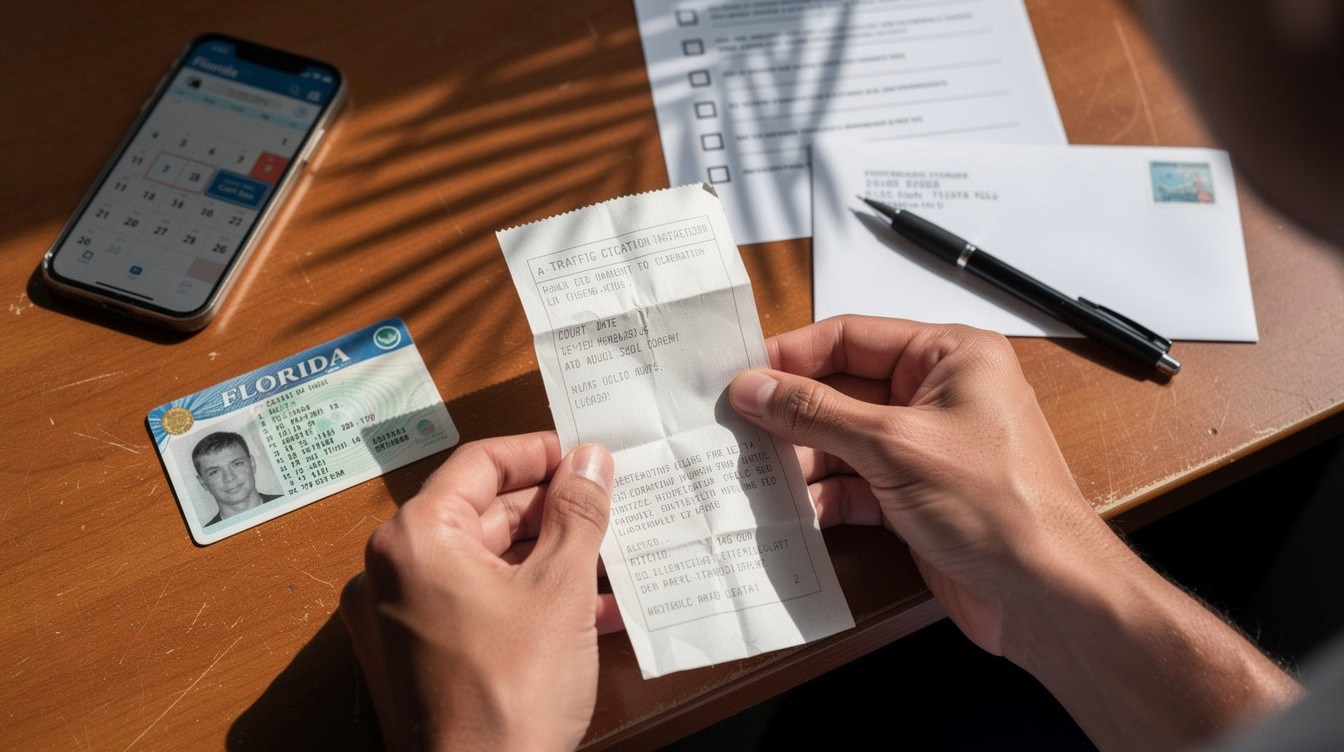
If you received a citation involving a wireless device, read the court notice and any state instructions carefully. Requirements can differ by jurisdiction, including deadlines, course length, certificate submission procedures, and whether completion may affect a citation, driving record, or insurance eligibility.
Do not assume that taking any online course will satisfy a specific requirement. Confirm that the course is approved for your state and purpose before enrolling. Keep copies of enrollment confirmations and completion records until the matter is fully resolved.
Online education can make compliance easier for busy drivers because coursework can often be completed from a compatible phone, tablet, or computer on a flexible schedule. The value is not only convenience. A well-designed course can turn a citation into a practical reset for safer daily driving.
DriverEducators.com provides online traffic safety education for drivers who need a clear, convenient path toward meeting eligible course requirements. Always verify the approval details that apply to your location and situation.
Frequently Asked Questions
Is using a wireless device while driving always illegal?
No. Laws vary by state, driver type, location, and device use. Handheld texting or phone use is widely restricted, while some hands-free activities may be allowed.
Is hands-free calling considered distracted driving?
It can be. Hands-free calling removes much of the manual distraction, but a demanding conversation can still create cognitive distraction.
What is the safest way to use GPS while driving?
Set the route before moving and use audio directions when possible. Pull over safely to change destinations, review the map, or troubleshoot the app.
Can a smartwatch cause distracted driving?
Yes. A smartwatch alert can draw a driver’s eyes and attention from traffic just like a phone notification. Silence or limit alerts before driving.
Will a wireless device course dismiss my ticket?
It depends on the court and jurisdiction. Confirm the exact requirement, approved provider, deadline, and certificate process listed on your citation or court notice.
The next time your phone asks for attention, let the road win. A missed alert can wait; the space in front of your vehicle cannot.